
Download Anubis P2P – P2P Client, eDonkey, Kad, IRC, File Sharing
Overview
Anubis P2P is a mobile application designed for users seeking a streamlined yet powerful peer-to-peer file-sharing experience on Android devices. Built with both accessibility and functionality in mind, the app supports major P2P networks, specifically the eDonkey network and Kad, enabling users to access a broad range of content across decentralized platforms. Its primary purpose is to simplify file discovery and download management while maintaining compatibility with existing P2P ecosystems. This makes it particularly useful for individuals who rely on P2P networks for media, software, and other digital content distribution.
The app targets a niche but dedicated user base—those who value direct, decentralized file sharing without relying on centralized servers. This includes tech-savvy users, digital archivists, and individuals in regions with limited access to mainstream content platforms. The developer, Anubis P2P Team, has positioned the app as a reliable alternative to desktop-based P2P clients, adapting core functionalities for mobile use. Although specific background details about the development team are not publicly available, the app’s longevity—first released in 2012—suggests a stable and maintained project within the P2P community.
Real-world use cases include downloading open-source software, sharing large media files, and participating in community-driven content exchanges. In the broader app ecosystem, Anubis P2P fills a gap in mobile P2P tools, offering a lightweight, free solution for users who want to stay connected to decentralized networks on the go. Despite the shift toward cloud-based services, the demand for direct peer-to-peer access remains strong, particularly among privacy-conscious and self-reliant users.
Key Features & Functionality
- User-Friendly Interface: Anubis P2P features a clean, intuitive layout that simplifies navigation and download control. The interface is designed to reduce the complexity often associated with P2P software, allowing both beginners and experienced users to manage their file transfers efficiently without a steep learning curve.
- eDonkey and Kad Network Support: The app supports two of the most established P2P networks—eDonkey and Kad—ensuring access to a wide variety of files and enhanced connectivity. This dual-network capability increases the likelihood of finding desired content and improves download speeds through multiple connection points.
- Built-In IRC Access: Anubis P2P includes an integrated IRC client, enabling real-time chat with other users while downloading files. This feature fosters community interaction, allowing users to exchange tips, discuss content, and collaborate in real time, enhancing the social dimension of file sharing.
- Efficient Download Management: Users can prioritize, pause, resume, and organize multiple downloads simultaneously. This functionality ensures smooth multitasking and helps maintain control over bandwidth usage and download schedules, especially on mobile data plans.
- Seamless Transition from Other Clients: The app is designed to minimize migration hurdles. Users can import existing download lists from other P2P clients, preserving their ongoing transfers and settings without disruption, making it a practical choice for those switching platforms.
For example, a user downloading a large software package can pause the transfer during peak hours, resume it later, and simultaneously chat with others in the IRC channel to confirm file integrity. This integration of management tools and social features creates a cohesive mobile P2P experience.
Interface, UX & Performance
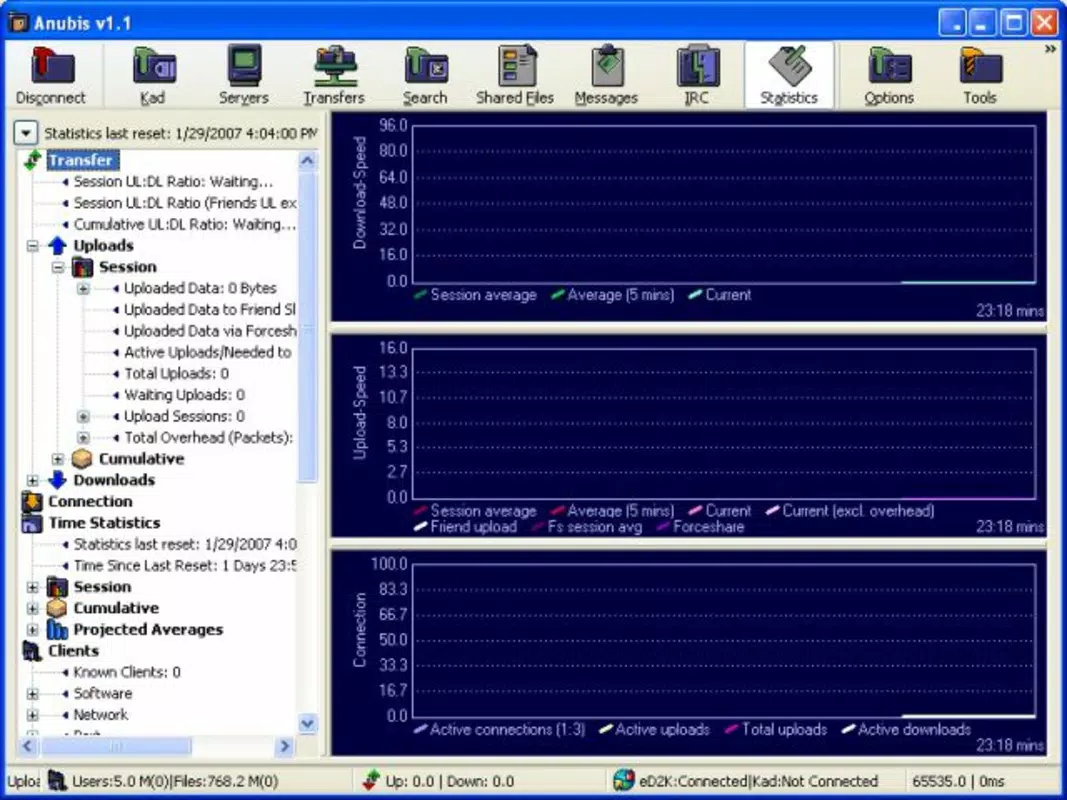
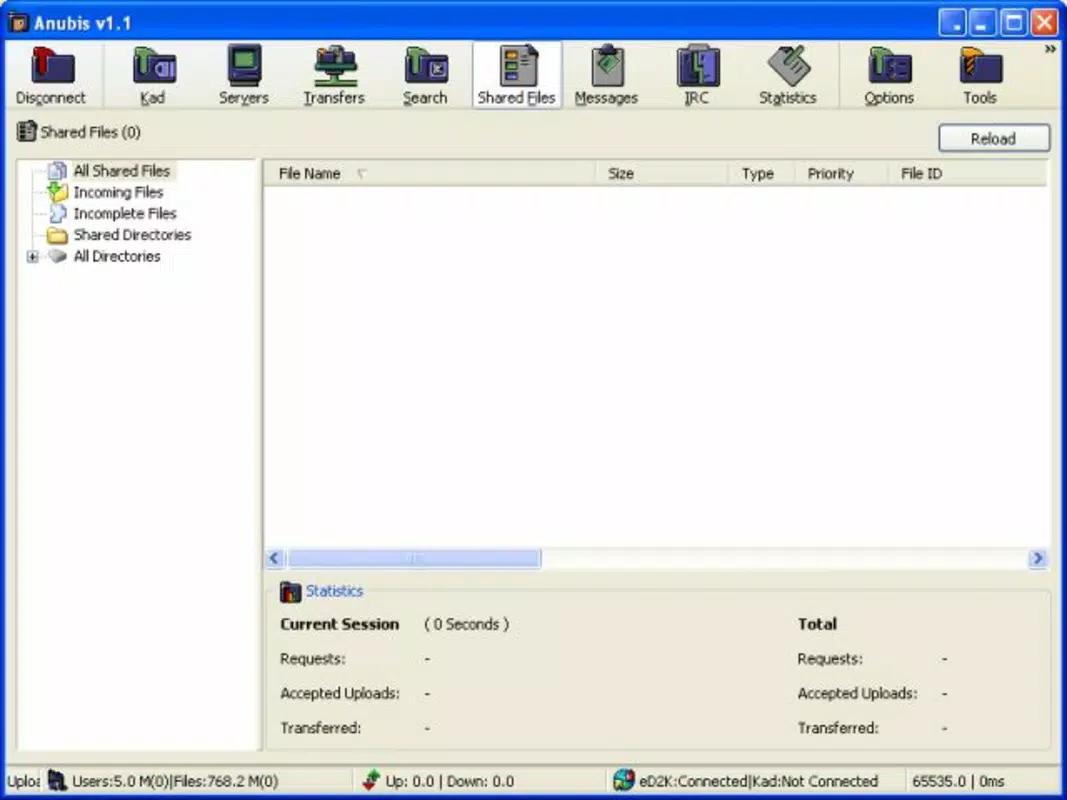
The interface of Anubis P2P reflects a minimalist yet functional design philosophy. The layout is organized into clearly labeled sections, including active downloads, download queue, network status, and IRC chat, all accessible via a bottom navigation bar. This structure supports fast access to core functions without clutter, enhancing usability on smaller mobile screens.
Navigation is straightforward, with consistent iconography and logical grouping of features. The app’s responsiveness is generally smooth, though performance may vary depending on device capabilities and network conditions. Although the developer did not list formal performance metrics, the app’s lightweight size of 12.5 MB suggests optimized resource usage, which is beneficial for older or low-end Android devices.
Stability appears to be a focus, as the app has remained available since its 2012 release. Users can expect consistent behavior during extended download sessions, though background operation may be limited by Android’s battery and memory management policies. The app does not appear to cause excessive battery drain or memory spikes, which is critical for long-running P2P tasks on mobile platforms.
Platform Compatibility & Technical Requirements
Anubis P2P is available exclusively on the Android platform, making it accessible to a wide range of mobile users. The current version is 2.1.1, with a file size of 12.5 MB, indicating a compact and lightweight installation. The app is offered free of charge, removing financial barriers to entry and supporting broad adoption.
The developer did not specify minimum OS requirements or compatibility details beyond the platform. As such, users should ensure their device meets basic Android functionality standards. While the app has been in use since 2012, compatibility with modern Android versions cannot be confirmed without official documentation. Users are advised to check device settings and system updates before installation.
Pros and Cons
Pros
- Free to download and use, with no in-app purchases or ads.
- Supports both eDonkey and Kad networks, increasing content availability.
- Includes built-in IRC for real-time user interaction.
- Simple interface reduces the learning curve for new users.
- Efficient download management with pause, resume, and priority controls.
- Seamless migration from other P2P clients via importable download lists.
Cons
- Developer did not provide detailed system requirements or OS compatibility.
- No official updates have been reported since 2012, raising concerns about long-term support.
- Limited information on security protocols or encryption practices.
- Performance on modern Android devices may be inconsistent due to outdated codebase.
- No official support channels or documentation provided.
FAQ
Is Anubis P2P safe to use on Android?
While the app is free and open for download, users should exercise caution when downloading files from P2P networks, as content may contain malware or unauthorized material. The developer did not provide information on built-in security features or file scanning.
Can I use Anubis P2P on iOS devices?
Currently, Anubis P2P is only available for Android. There is no official iOS version or support announced by the developer.
Does Anubis P2P require an internet connection?
Yes, a stable internet connection is required for all P2P operations, including connecting to eDonkey and Kad networks, downloading files, and using the IRC feature.
How do I update Anubis P2P?
As of now, no recent updates have been released. Users should check the official source or trusted repositories for potential new versions, though the app’s last release was in 2012.
Can I transfer my download history from another P2P client?
Yes, Anubis P2P supports importing download lists from other P2P clients, allowing users to continue ongoing transfers without restarting from scratch.
Final Thoughts
Anubis P2P stands out as a rare example of a mobile P2P client that balances simplicity with advanced functionality. Its support for eDonkey and Kad networks, combined with built-in IRC access and efficient download controls, makes it a valuable tool for users who prioritize decentralized file sharing. Despite its age and lack of recent updates, the app remains relevant for those who value lightweight, free, and community-driven software.
While modern Android devices may present compatibility challenges, the app’s small size and low resource usage offer advantages for older hardware. It is particularly beneficial for users who are already familiar with P2P ecosystems and want a mobile companion to their desktop experience.
For those seeking a secure, free, and feature-rich P2P client on Android, Anubis P2P offers a compelling option. Download Anubis P2P now


